
The YouTube Search Hijack: How Video-Level AI Chatbots Bypass Your Call-to-Action Link
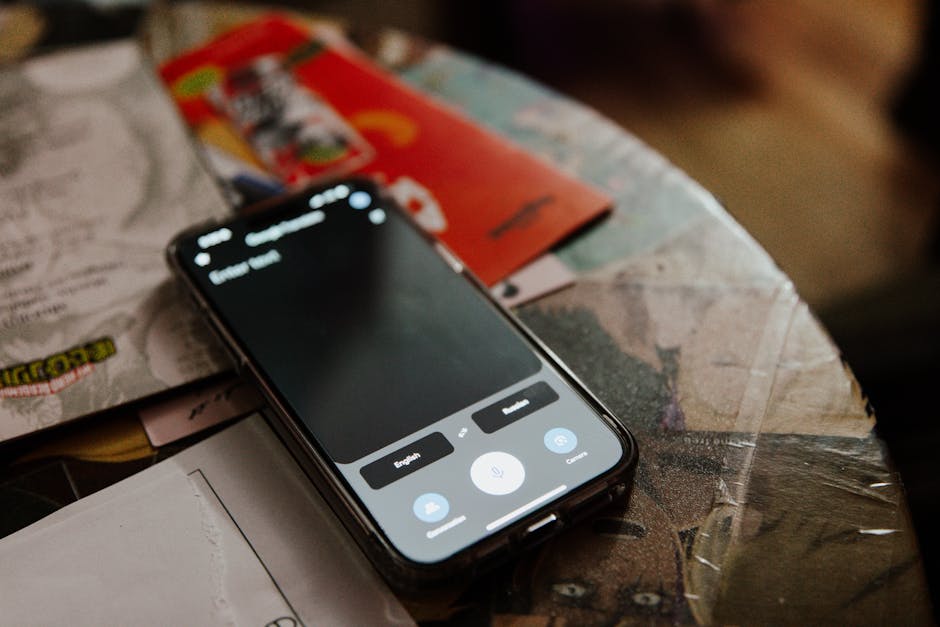
You spend hours scripting a high-ticket acquisition video. You map the pain point, diagram your proprietary framework on a digital whiteboard, and tease the implementation details. The entire video functions as a conversion funnel designed for one specific action: driving the viewer to click the link in your description to book a strategy call.
Then the viewer taps a button, asks an in-app chatbot to summarize your entire framework, and leaves without ever touching your landing page.
Your pipeline has a new leak. It is occurring directly on the YouTube watch page, driven by the platform’s own user interface.
The Zero-Click Video Funnel
YouTube has expanded access to its conversational AI tool, an in-app chatbot designed to let viewers interact with the content of videos in real time, as reported by Social Media Today. The tool, which appears as an “Ask” button beneath select uploads, allows premium Android users in the United States to prompt the assistant to summarize video content, recommend related videos, or explain complex concepts on the fly.
For consumer entertainment, the tool is a convenience. For B2B founders, agency owners, and independent consultants who rely on educational content to sell high-ticket services, it is a positioning disaster.
Historically, complex educational videos forced a choice. A viewer could watch your twenty-minute breakdown to understand your process, or they could click your call-to-action link to hire you to run it for them. The friction of the long-form video was your ally; it qualified prospects who lacked the time to execute the strategy themselves.
The conversational assistant removes this friction. Instead of sitting through your detailed explanation, a prospect can now command the assistant to summarize the step-by-step methodology outlined in your video. The chatbot processes your transcript, extracts your proprietary frameworks, and delivers a clean bulleted list. The viewer gets the strategy. You get zero clicks, zero referral traffic, and an empty booking calendar.
Hijacking the Credibility Inflection Point
In B2B sales copy, credibility is established at the exact moment a prospect realizes you understand their problem better than they do. In video format, this inflection point usually occurs halfway through, right when you reveal the diagnostic mechanism behind your service.
Under the traditional model, this realization triggers a physical action: the viewer scrolls down, expands the video description, and clicks your booking link.
Under the AI-assisted model, the viewer’s cognitive momentum is diverted. The presence of an instantly accessible “Ask” button invites them to query the bot instead of taking your recommended next step. If your video outlines “How to structure an enterprise SaaS outbound campaign,” the prospect no longer needs to download your template or book a consultation to see the structure. They ask the chatbot to extract the sequence from your video script.
The AI assistant essentially acts as an unauthorized intermediary, repackaging your expertise into plain text and presenting it within YouTube’s walled garden. Your proprietary insights are transformed into a generic response, stripping away the personal authority and brand presence you established in the video itself.
The Shift in Scripting Strategy
If the platform interface encourages viewers to bypass your call-to-action, your scripting strategy must adapt. You cannot stop YouTube from indexing your transcripts for its conversational models, but you can control what those transcripts contain.
To prevent the chatbot from turning your videos into a self-service encyclopedia, your scripts must shift from descriptive teaching to diagnostic teaching.
1. Hide the “How” Behind the “Why”
If your video explains the precise technical steps to solve a problem, the chatbot will easily summarize those steps. Instead, focus your content on the diagnostic phase—identifying the symptoms of the problem and explaining why common solutions fail. Leave the execution steps as the proprietary asset that requires a direct engagement.
2. Embed Visual Context
YouTube’s conversational assistant relies heavily on the video’s text transcript to generate summaries and answer user queries. If your most valuable insights are delivered purely through visual demonstrations, un-transcribed whiteboard diagrams, or screen shares of proprietary tools, the text-based chatbot cannot fully replicate the value. Force the viewer to watch the screen rather than read a text summary.
3. Contextualize Your Call-to-Action
Do not save your call-to-action for the final thirty seconds of the video, where a summarizing chatbot can easily categorize it as an outbound link. Weave your diagnostic offers directly into the core examples of the video. State clearly that the specific templates, calculators, or custom audits mentioned cannot be generated by an AI summary and must be accessed directly through your site.
The Reality of Walled-Garden Conversion
Platform updates routinely prioritize user session time over outbound creator traffic. The expansion of YouTube’s in-app chatbot is simply the latest iteration of this trend.
When viewers can extract your expertise without leaving the platform, your traditional inbound funnel ceases to function. Surviving this shift requires realizing that your videos can no longer serve as complete manuals. They must serve as proof of diagnosis. If you give the chatbot all the answers, the chatbot will take all your leads. Write your scripts so that the only logical next step is a human conversation.
This article was generated with the help of AI.